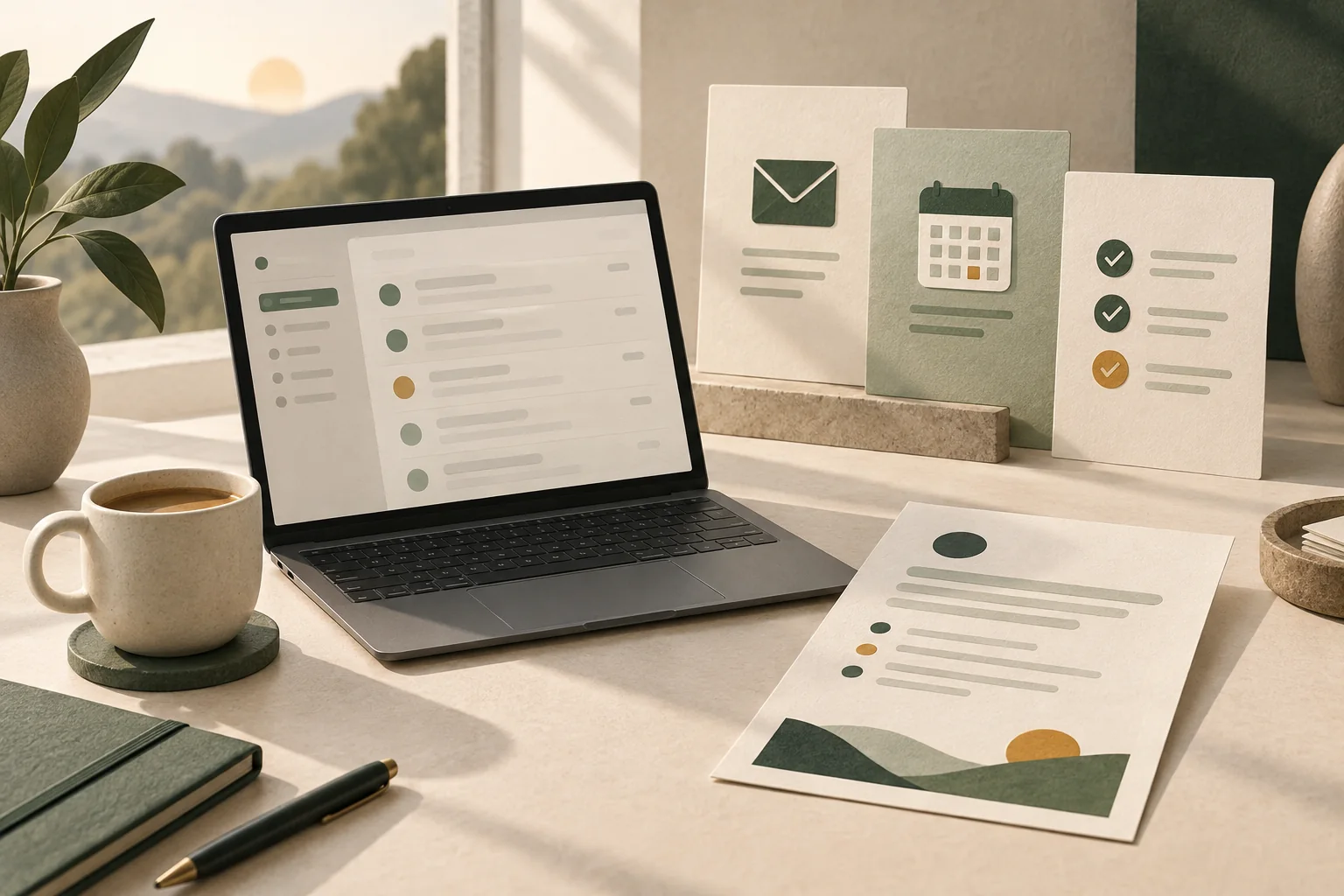
Start with the question you ask each morning
A useful briefing answers a small number of questions: who is waiting for me, what have I committed to, and what should I prepare before the first meeting? Adding every message creates another inbox. I work with you to choose the senders, accounts and kinds of commitment that belong in the summary.
One client uses an assistant I set up every working day and prints the briefing each morning. That is the practical standard I work towards: a format you actually return to.
Choose a delivery habit you will keep
WhatsApp can be useful for a quick look before work. A printed page gives you something to annotate beside your calendar. An evening preview can surface tomorrow's meetings while there is still time to prepare.
- A short list of messages that need a decision.
- Follow-ups with enough context to recognise the commitment.
- Meetings and preparation notes for the day ahead.
Agree how the briefing earns its place
We test selected summaries against the original emails and calendar entries. You check whether the important items appear, whether anything irrelevant keeps surfacing, and whether the timing suits your day. I adjust the setup with you. Missing information should be visible as a gap, not filled with a confident guess.
The first project is quoted before setup. Software and usage costs are listed separately, and ongoing support can be included in an agreed retainer.
Illustrative example
Example first project: tomorrow, before you stop work
An illustrative starting point is a short evening preview for an owner whose first meeting often arrives before they have checked the inbox.
- Choose one calendar and the email folders that contain meeting context.
- Agree on a delivery time and the details each meeting should include.
- Compare the preview with the original information over several working days.
What we would agree first: The briefing prepares information. Sending replies, changing meetings or taking other actions requires a separately agreed scope.
Questions you may have
Can I receive the briefing on WhatsApp and print it?
Yes. Those are formats I have used in a client setup. We agree the contents and delivery method around your habits and the accounts involved.
Will it read all of my email?
We agree what it can access before connecting anything. A focused first version can use selected folders or accounts instead of treating every message as relevant.
Can I change what appears after trying it?
Yes. Reviewing what was useful and what was missed is part of getting the setup right. Ongoing changes and support are agreed with you.